


The Feature Effect: Running a Matter in Harvey Spaces
Harvey Spaces keep matter context, files, tasks, and outputs connected, so lawyers can carry a proven workflow forward instead of rebuilding it for every new matter.
Before substantive work on a matter begins, someone gathers documents from the DMS, a data room, and email, then reconstructs the parties, key issues, and client instructions from engagement letters and kickoff calls. That effort rarely carries forward. When a colleague joins midway or a similar matter comes in later, much of the context has to be rebuilt.
The work that follows is just as scattered. Next steps get tracked in email and spreadsheets, and drafts move back and forth without a clear record of what was reviewed.
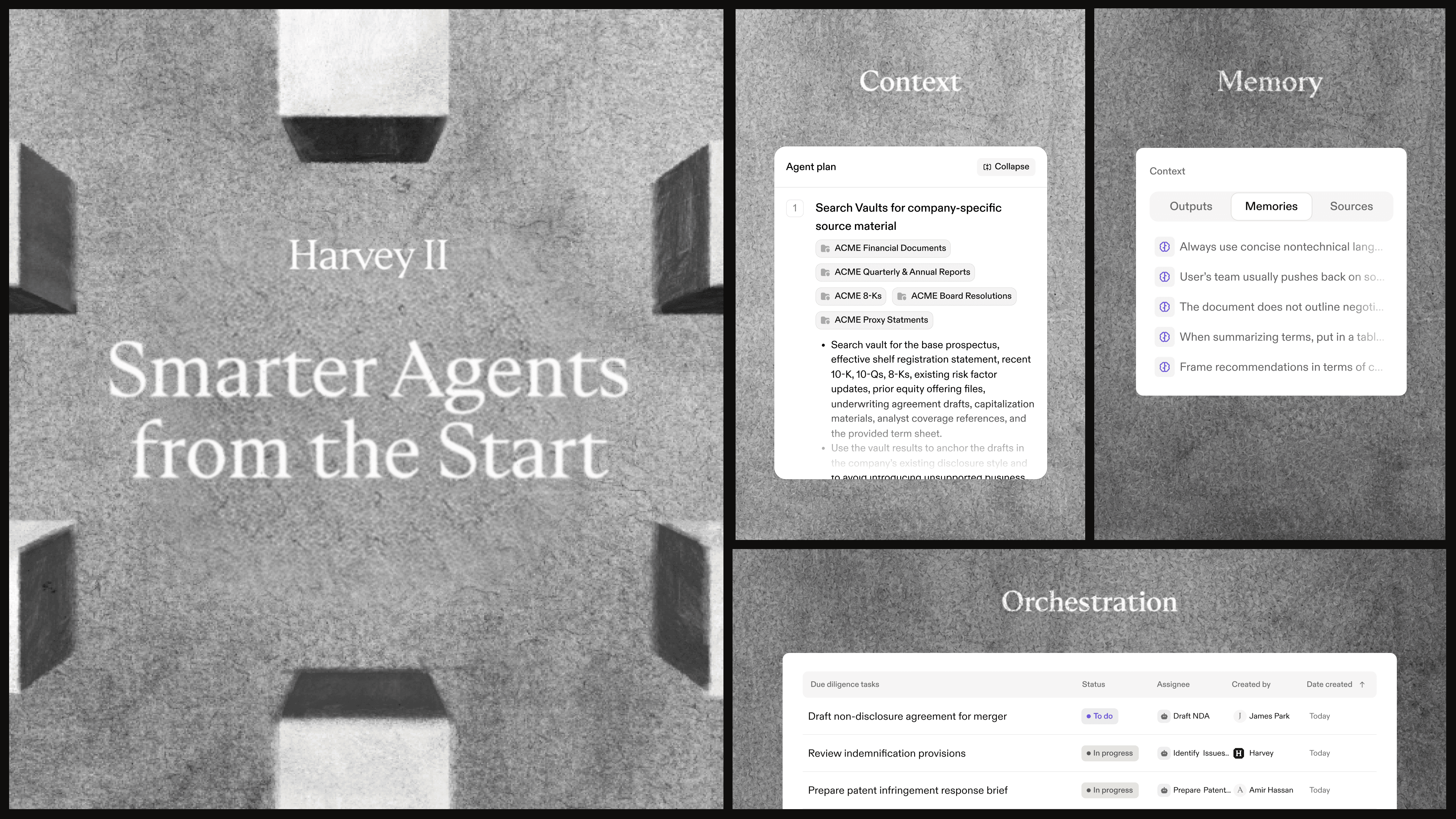
With Harvey II, each matter gets a Space that brings together its documents, details about the client and other parties, assigned tasks, and work history. Harvey’s agents can draw on that context when they take on a task, so lawyers don’t have to re-upload documents or explain the matter from scratch.
This post is the first in The Feature Effect, a series that spotlights what Harvey’s recent releases enable legal teams to do in practice. Each post focuses on one use case and the features that work together to support it. Here, that means running a matter in Harvey Spaces.
Start New Matters From a Saved Setup
Practice groups often handle the same types of matters repeatedly, from credit facilities and commercial leases to regulatory inquiries. Over time, teams develop a consistent process, choose agents to support the work, and build a library of useful precedent. But that knowledge may be scattered across a partner’s checklist or an old matter folder, leaving the team to recreate the setup for each new matter.
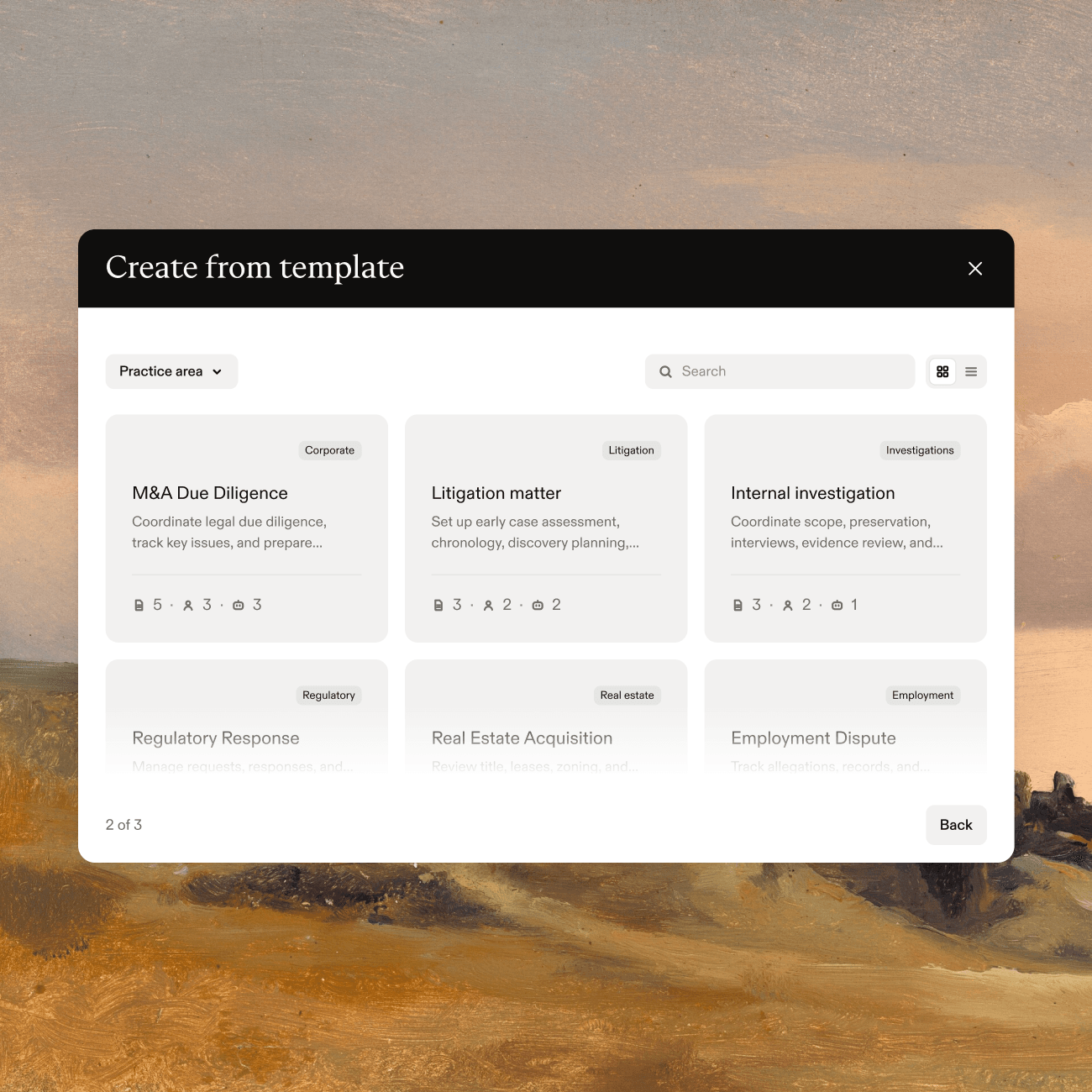
Space Templates let teams save that setup for reuse. Once a Space reflects how the team handles a type of matter, it can be saved as a template. The next matter can start with that structure already in place:
- Phases and Tasks: The process is laid out from the start, ready for the team to assign owners and dates.
- Agents: The agents the team uses for that type of work.
- Reference Vaults: Links to shared precedent and guidance, so the source materials stay current.
- Space Context: Background and guidance that apply across matters of that type.
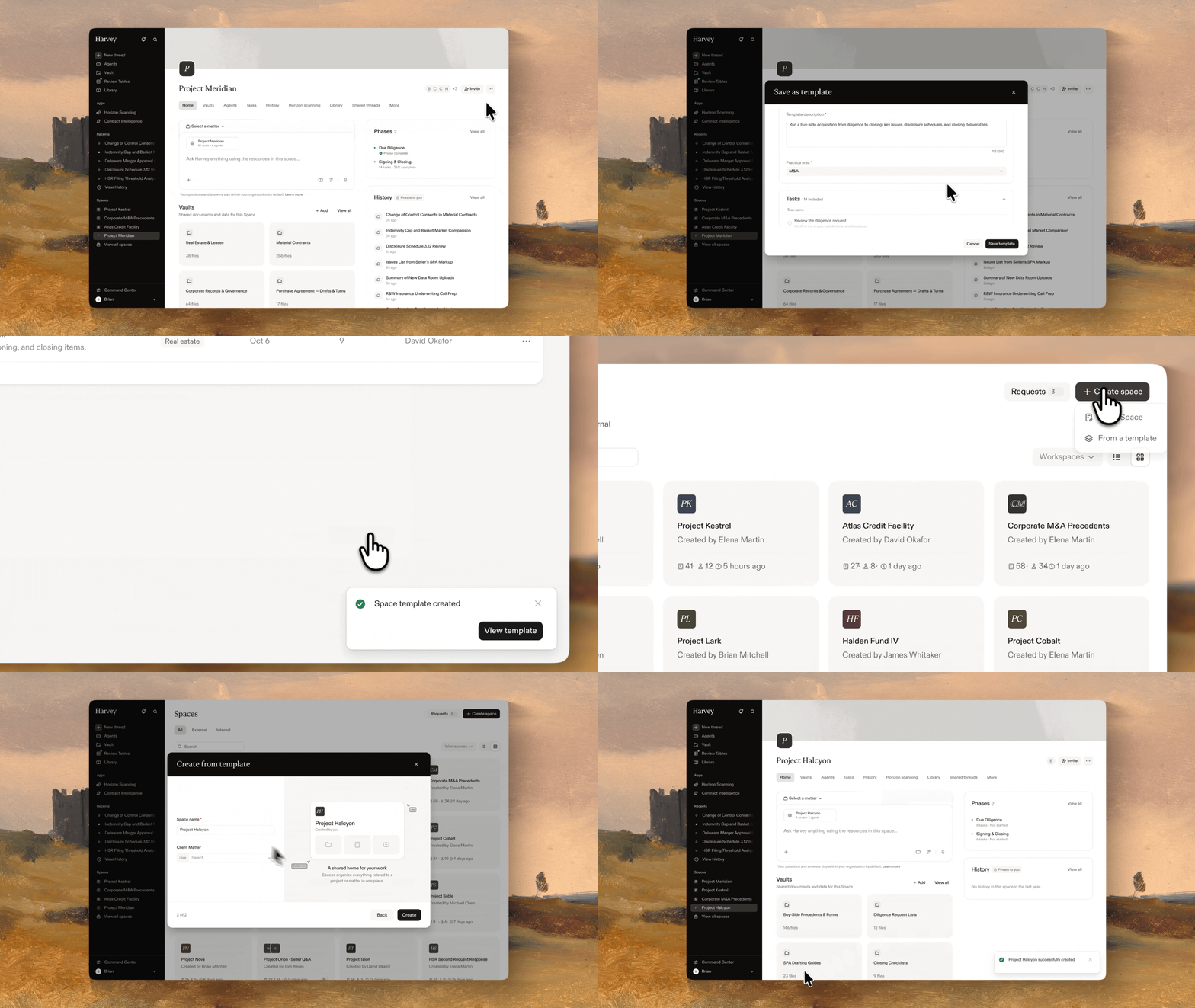
Templates don’t include members, parties, or client-specific details, so each new matter starts with a clean slate. When creating a Space, lawyers can search available templates or filter by practice area to find a starting point that fits the matter.
Bring in Matter Files From the Systems Your Firm Already Uses
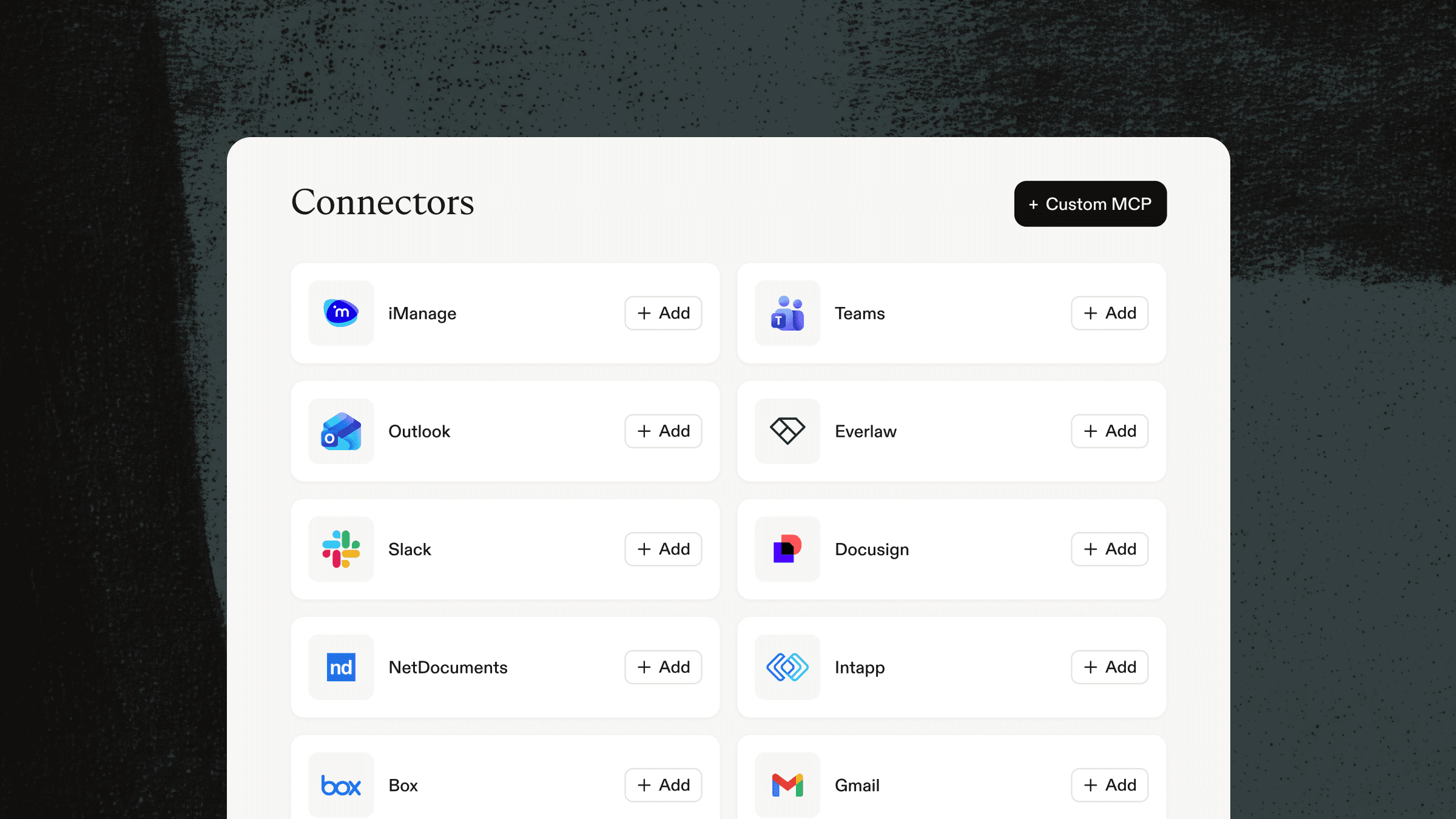
Matter documents rarely live in one place. The Connector Library lets you bring material into a Space from your document management system and other tools your team relies on. Each connector goes through Harvey’s security review, and admins control which connectors are available to the team.
As you work, Harvey’s agents can suggest relevant connectors based on the task and cite the sources behind their answers. For example, when preparing for a deposition, an agent could draw on case materials in Everlaw, firm work product in NetDocuments, and the client’s latest instructions in Outlook to draft an outline grounded in those sources. Those connections can also carry finished work back to its source system, with write-back support starting with DMS platforms.
Work With Matter Context and Permissions in Place
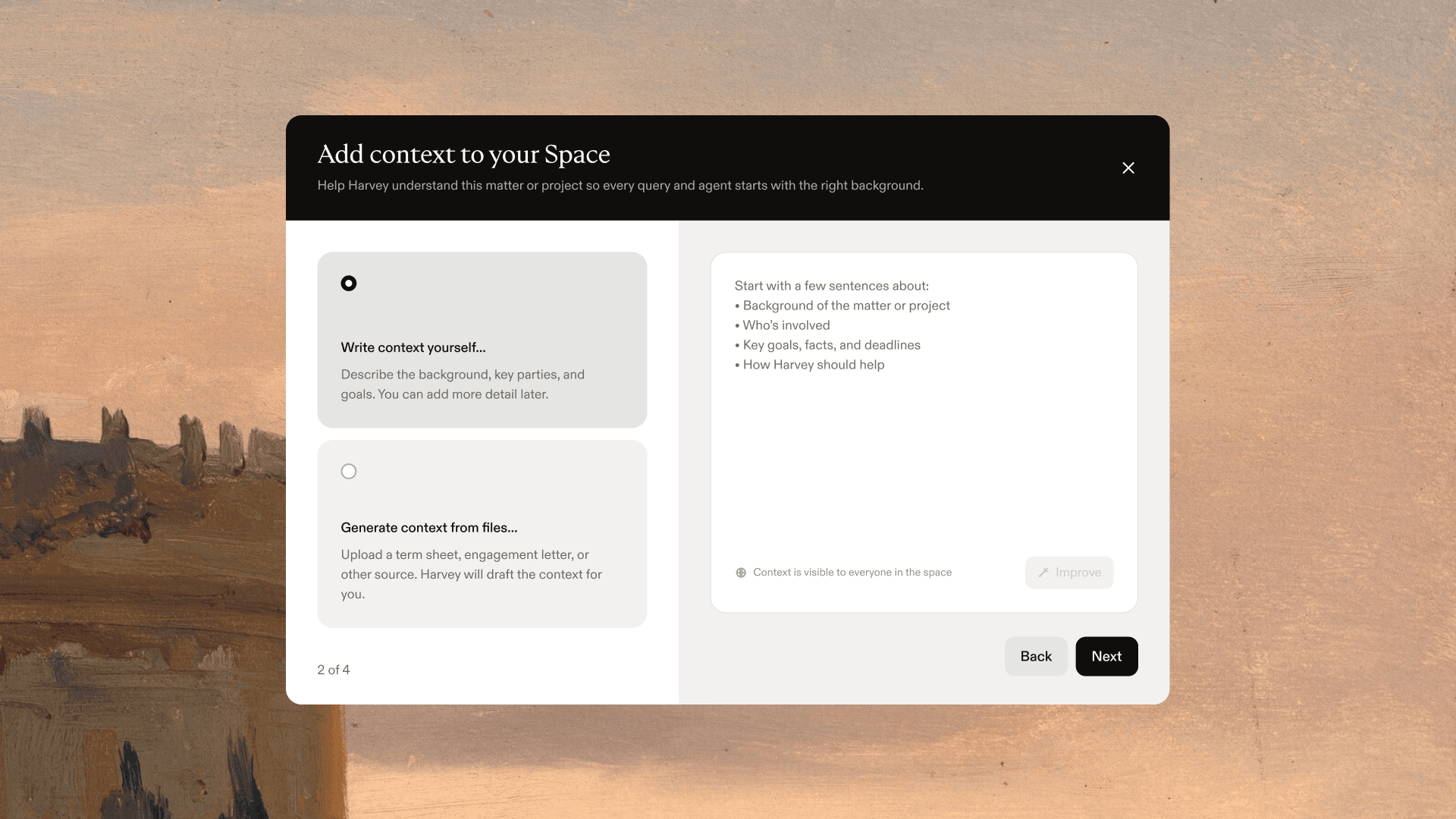
Once a matter is set up in a Space, lawyers can ask questions using the documents and context gathered there. Space Context gives Harvey matter-specific guidance, including the parties, jurisdiction, and the team’s approach, so lawyers don’t have to repeat those details in every prompt. Their instructions and the source documents remain the primary guidance.
Access rules carry through as well. When a Space is linked to a client matter, it follows that matter’s access rules and ethical walls, and any agent working in the Space follows the same restrictions. Learn more about how iManage ethical walls extend into Harvey.
Update Review Tables as the Matter Changes
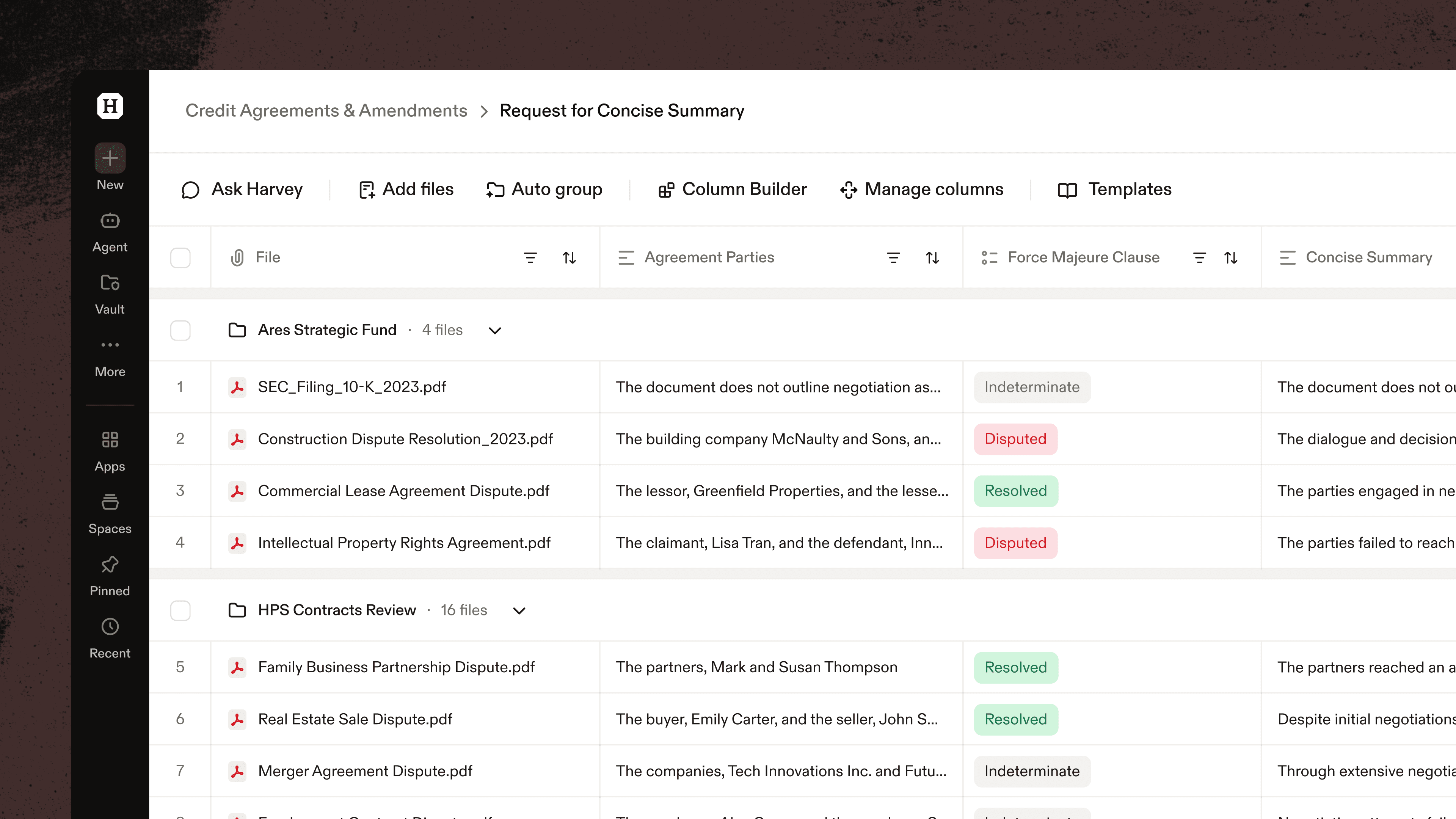
A Review Table organizes answers from a large document set, but the review can change as a matter develops. With agent actions in Review Tables, you can describe what you need in plain language and ask the Harvey Agent to update the table in the same chat.
- Revise columns: Turn free-text privilege responses into a classification, such as Attorney-Client, Work Product, or Not Privileged. You can also update a column’s prompt, output format, or model and rerun it without rebuilding the column.
- Add information: Bring custodian data from an iManage load file or CSV into the table, or add information from a web search, so you can review it alongside the document analysis.
- Group related documents: Ask Harvey to group email threads with their attachments, or complaints with their exhibits, so reviewers can assess them together.
- Route the review: Flag rows, such as documents marked privileged, and assign them to a reviewer.
- Create a deliverable: Use the table to build a memo, summary, or chart in the same chat, without starting a new thread.
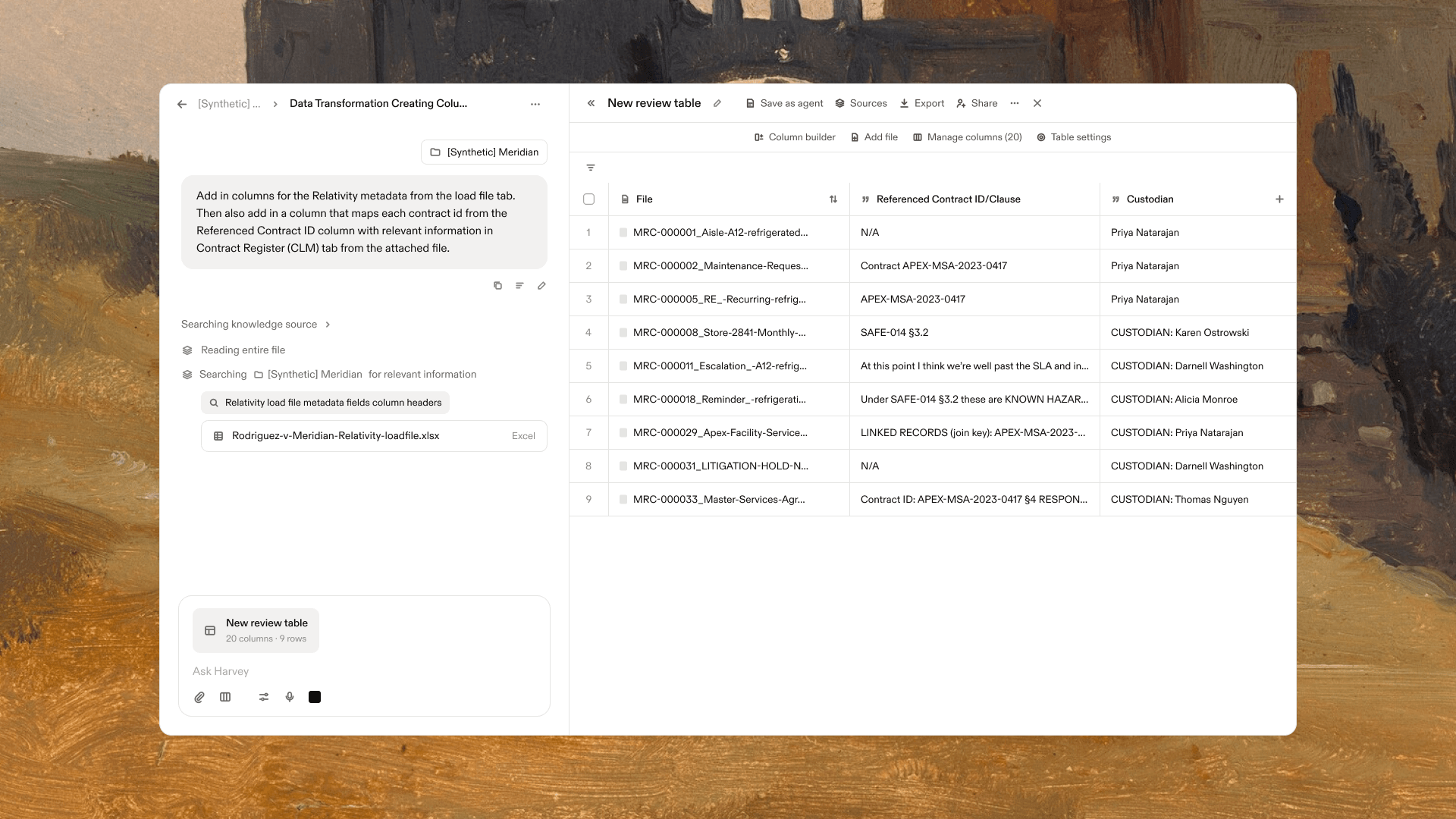
The Harvey Agent works with the same permissions as the user, so existing Vault access controls and ethical walls still apply.
Run a Matter End to End, on Your Own or With Your Team
Some parts of a matter are best handled by one lawyer; others call for colleagues to share files, tasks, and decisions. Spaces support both.
Use a personal Space to gather documents, set the matter context, assign tasks to Harvey, and review its work. When colleagues need to join, an internal Space lets associates, partners, paralegals, and knowledge teams work from the same files and context and see the same tasks and outputs. Either way, you can run the matter end to end without inviting external parties unless you need to involve them.
Once a matter is underway, teams can keep assignments, review, and discussion connected to the work:
- Assign work to Harvey or a lawyer: Delegate first-pass reviews and summaries to Harvey, and judgment calls to the lawyer responsible.
- Route completed work for review: Review Harvey’s completed work yourself or assign it to a colleague before it moves forward.
- Turn a checklist into tasks: Ask Harvey to convert an existing checklist or closing agenda into tasks with owners and due dates. You can review them before Harvey adds them to the Space.
- Keep discussion and alerts tied to the work: Comments stay with the relevant task, while notifications flag new assignments and comments in Harvey or by email.
Share a Memo or Review Table Without the Thread Behind it
Artifacts are coming to Harvey. When work is ready to share, each memo, deck, or review table will have its own artifact, separate from the thread that produced it. You can send a colleague the finished work without sharing the drafts and prompts behind it, and use version history to choose which version to share. Artifacts stay private until you share them, and you can revoke access at any time.
Getting Started With Spaces
Spaces keep a matter’s documents, context, tasks, and work product connected as the work moves from initial review to a final deliverable. A lawyer can manage the matter on their own, bring colleagues into an internal Space when they need to collaborate, and save a setup that works as a template for the next matter. When someone joins later, they can see the work so far and what still needs attention.

Spaces, Space Templates, the Connector Library, and Review Table agent actions are available now, and Artifacts are coming soon. If you’re not yet a Harvey customer, request a demo below to learn more.