


Intake
Move Every Request Toward Resolution
Intake is where every ask to Legal gets routed and resolved, so the business moves faster and lawyers can spend time where their judgment matters most.














One front door for every ask with intake, routing, and review in one place. Resolve work faster and focus judgment where it matters.
Meet the Business Where It Works
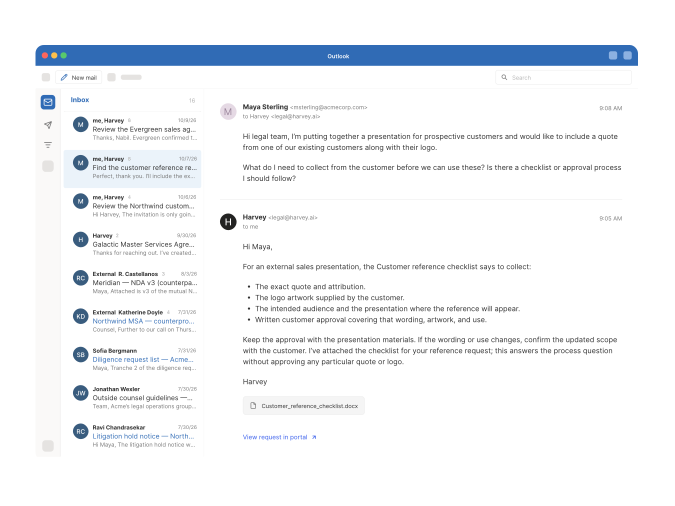
Business teams ask Legal in the tools they already use, and get answers back in the same place.

Connected channels
Capture requests from Email, Jira, Slack, ServiceNow, iManage, Google Drive, SharePoint and more, with full context and attachments, and send updates back to the source.
Guest experience
Business users can open their request, add details, ask questions, check status, and see the result, without a Harvey seat.
Channel updates
Send every update, follow-up question, and answer to the requester in their original channel.
Give Your Team a Head Start
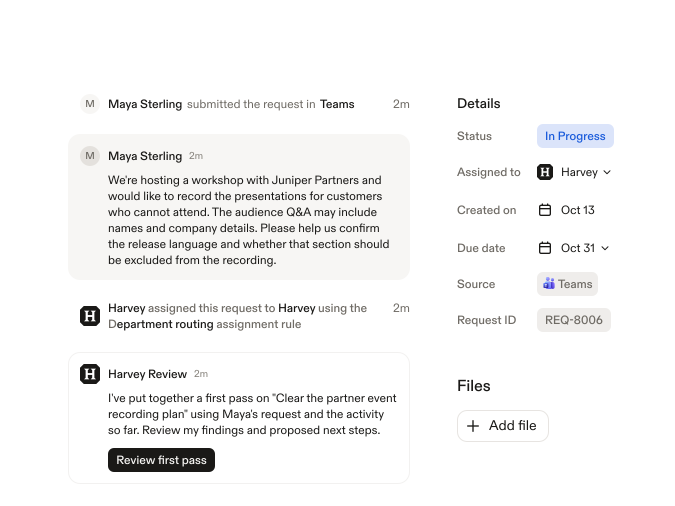
Harvey takes the first pass on every request, so lawyers start with the context and a draft, not a blank page.

Intelligent routing
Match each request to an approved agent, a solution like Contract Intelligence, or a lawyer, based on rules your team defines.
Agent execution
Harvey gathers missing context, runs the approved agent, and brings in the right lawyer when review is needed.
Contract Intelligence handoff
Incoming contracts go straight into Contract Intelligence for setup and first-pass review, then stay tracked through negotiation, signature, and renewal.
Stay in Control of Every Request
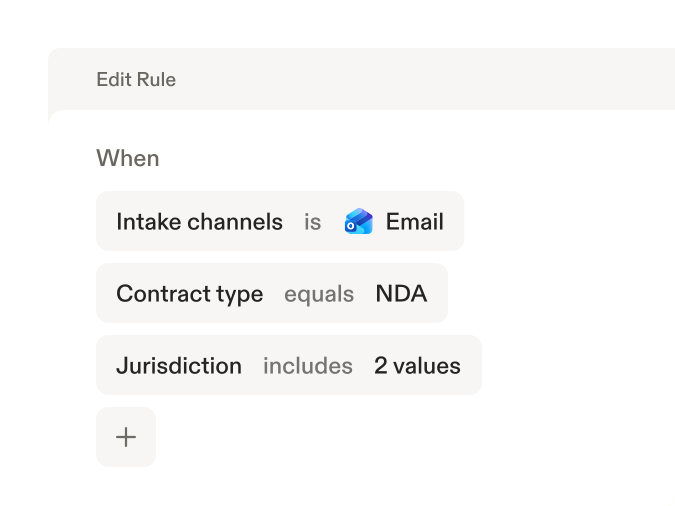
Set the rules for routing, access, and review, with a clear owner and status on every request.

Full audit trail
See a clear record of every request, including Harvey’s work, the team’s review, and the final response sent back to the business.
Team queues
Assign and rebalance incoming work from a shared triage queue, and give each lawyer a clear view of their requests in My Tasks.
Set the rules once
Define the requests you support, the details each one needs, and when Harvey escalates. Assign default owners and reviewers by request type.
Built for Legal Work Across the Business
Review sales contracts
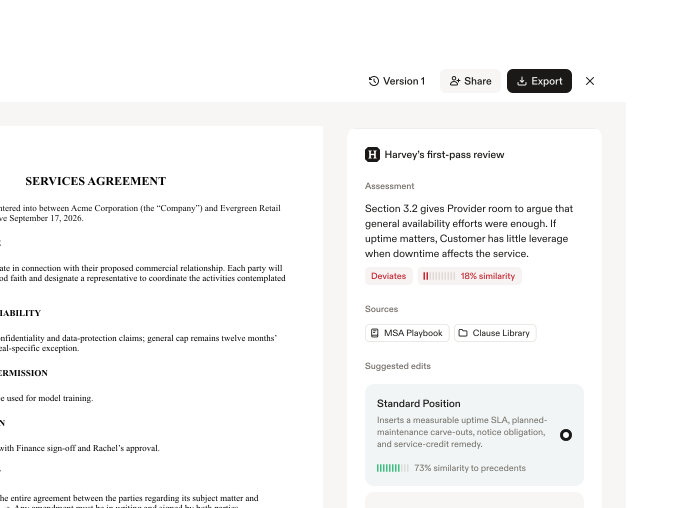
Route inbound MSAs and order forms from Sales to Contract Intelligence for redlines, so deals keep moving while a lawyer handles the exceptions.

Clear vendor agreements
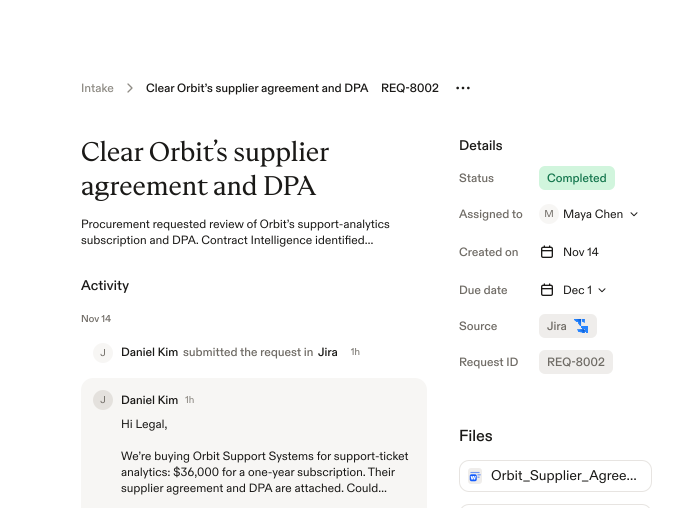
Run Procurement’s supplier contracts and DPAs against your approved positions, and escalate only material deviations to a reviewer.

Answer employment questions
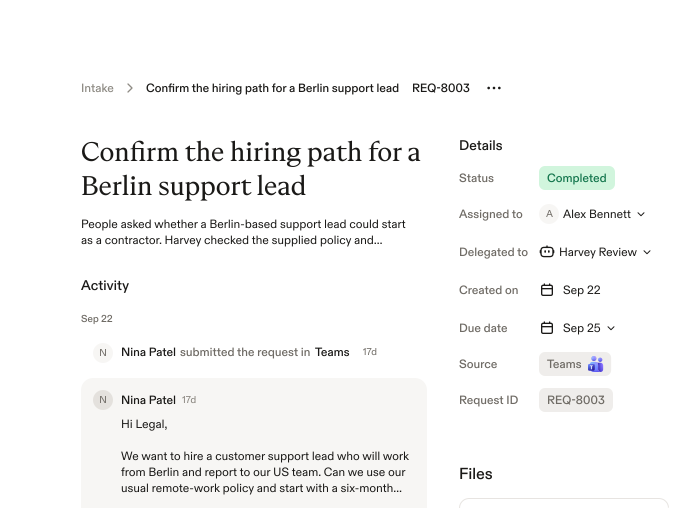
Resolve routine HR policy questions with approved agents, and send cross-border hiring or contractor questions to employment counsel with full context.

Approve marketing claims
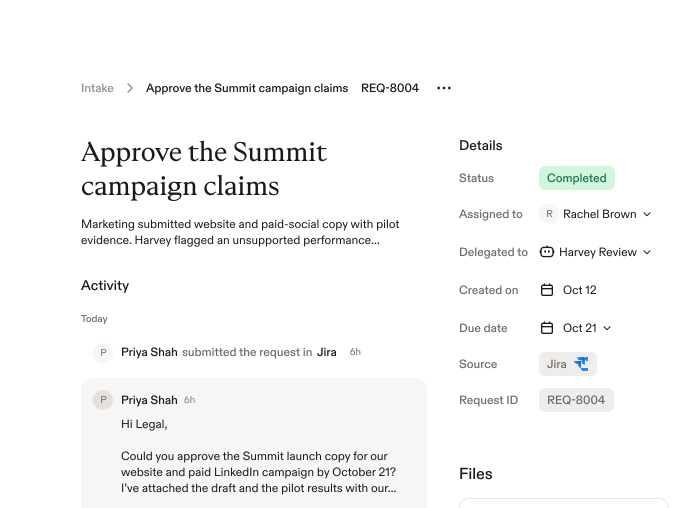
Send campaign copy and claims through Legal’s approved review process, and escalate anything new or high-risk to the right lawyer


“When work comes in after hours or while I’m tied up in meetings, it can apply our playbook and have an initial review ready for my sign-off. As a design partner, we’re helping ensure the product reflects how in-house commercial legal teams actually work.”
Seena Ghebleh
Senior Corporate Counsel, Carvana
Works with the Systems Your Business Already Uses
Use Harvey in:

Outlook

SharePoint

Teams

Gmail

Google Drive

Jira
Meet Intake: Moving Every Request to Resolution for In-House Legal Teams
Enterprise-grade Security and Controls
Harvey meets the highest industry standards for security and compliance. We include all default controls that enterprise teams expect: SAML SSO, audit logs, IP allow-listing, data lifecycle management, and more.


