


Delegate File Search and Organization to Harvey
Agentic Vault Search and Organization help legal teams find the right documents and bring more structure to large, complex Vaults.
A partner asks for every change of control provision across the vendor agreements. Before anyone can answer, someone has to first work out which files in a folder named "Contracts_Round2_FINAL" actually contain those clauses. Sometimes that's a quick scan. Sometimes it's an associate spending an afternoon opening file after file to find the handful that matter.
AI already helps with the second half of this problem. Hand any model the right twelve agreements and it will pull every change of control provision and flag the ones with odd carve-outs. The issue? Someone still had to find the right twelve agreements. Keyword searching and folder structure isn’t usually consistent enough to make this task an easy one.
We’re announcing two new features aimed to help solve this problem: Agentic Vault Search and Agentic Vault Organization. In Harvey, Vault is where legal teams store and query large document sets, including data rooms, discovery productions, and contract portfolios.
The Harvey Agent Finds Documents Without Needing to be Told
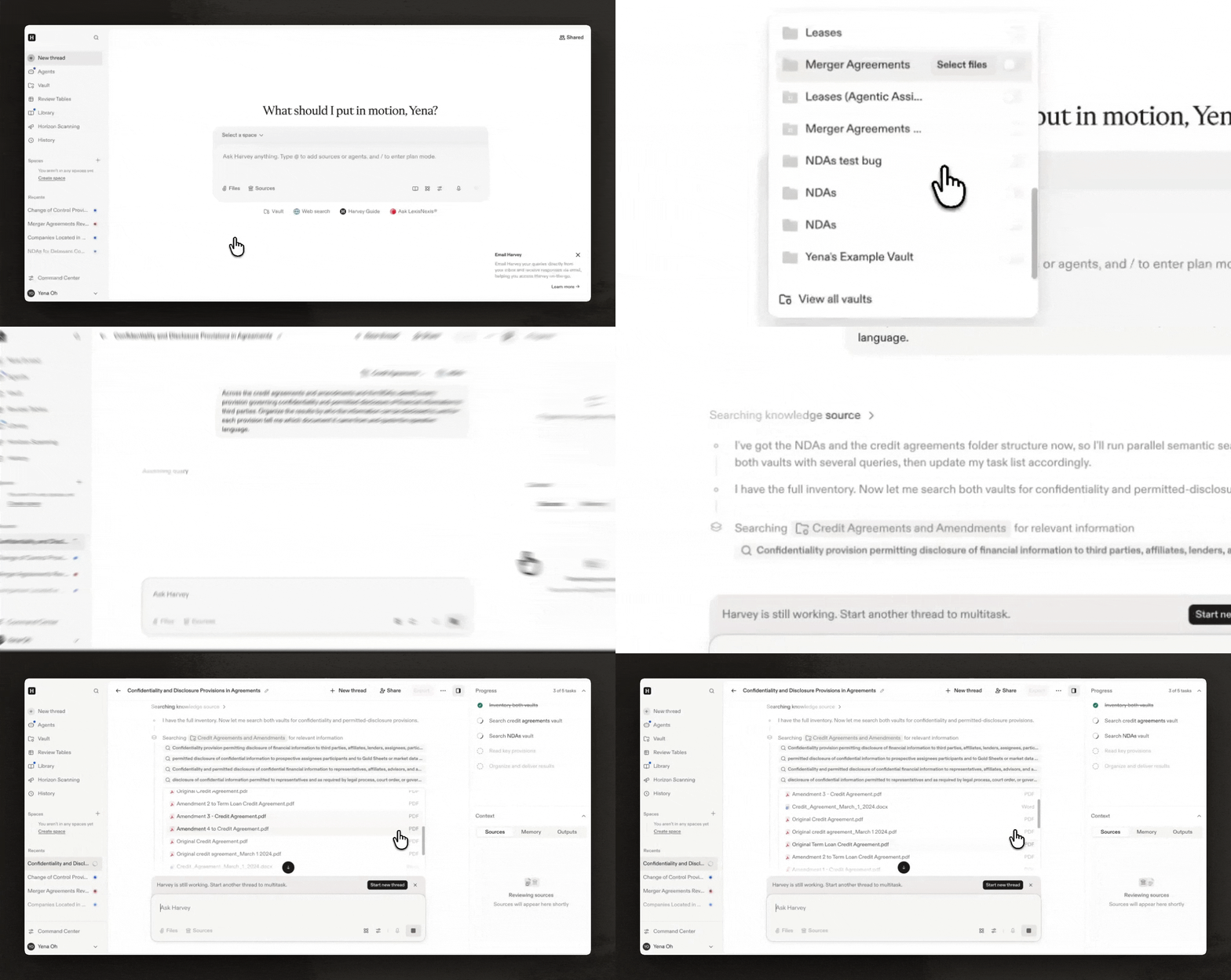
Most AI search tools are still doing keyword matching underneath, just a fuzzier version that gets you closer when your words don't line up exactly with the document's. The Harvey Agent works differently, looking at which folder a file sits in, what the client's naming convention tends to mean, and who uploaded it — the same signals an associate would use when going through a physical data room. You can see this portrayed in the following video.
With this release, you don't have to tell the Harvey Agent which folder to check or what a document is called. Attach a full Vault to your query, or work inside a Space that already has vaults attached, and the agent finds the right document on its own.
The agent has the same permissions as the user: ethical walls and existing Vault permissions (view, edit, full access) apply exactly as they do today, and every file the agent touches is logged in the workspace's audit trail.
The Harvey Agent Can Organize Files, not Just Locate Them
Most incoming document sets are messy before anyone even starts searching through them. Counterparts hand over data rooms with no consistent naming convention. Discovery productions arrive as a folder of files named using nothing but numbers.
Agentic Vault Search finds you the right files when you ask for them. File organization is a different problem, since a paralegal browsing the folder directly, a partner exporting the Vault for a closing binder, or a client looking at their own data room never types a query at all, and for them the underlying structure is the only organization they can rely on.
With Agentic Vault Organization, tell Harvey in plain language what you want done, such as "organize this vault into folders by counterparty and agreement type," or "rename everything in the Contracts folder to follow [Counterparty] - [Agreement Type] - [Date]." Harvey proposes a plan and shows exactly what it intends to change before touching anything, so you confirm or adjust before it executes. You can also undo the most recent set of changes just in case.
The Harvey Agent can move, rename, and tag files, but importantly, it never edits the content inside them and never runs a change without a person confirming it first.
Putting Agentic Vault to Work
Agentic Vault Search and Organization is built for M&A and diligence teams working inside large data rooms, litigation teams working through discovery productions, and any practice group managing a Vault whose size or complexity makes it difficult to navigate.
Let Harvey do the tedious work of renaming or organizing your files so you can have more time to focus on the work that matters most.
Agentic Vault Search is generally available now. If you are interested in Agentic Vault Organization, reach out to your Harvey representative to be added to the Early Access program.
If you aren’t a Harvey customer, reach out to our team below for a demo:


