


From First Pass to Final Sign-Off: Review Tables That Keep Legal Teams in Sync
Harvey's latest review table improvements bring real-time collaboration, smarter extraction logic, and faster table setup to large-scale document review.
Legal teams running large-scale diligence, contract portfolio analysis, or litigation document review need more than just raw extraction power. They need a collaborative source of truth to quickly surface findings, stay aligned as a team, and sign-off on key decisions in one place
Harvey’s review tables are now easier to set up, more intelligent, and more interactive, helping legal teams sift through vast data sets to surface the insights that matter.
Faster Review Setup
Imagine you’re an associate kicking off M&A due diligence with a data room of thousands of documents. You upload your files to the review table and start building a table by simply typing “change-of-control provisions.” To refine your request into a more precise and effective prompt, the Improve Prompt feature rewrites your query to extract the terms you need.
To accelerate the rest of the table build, you upload an existing diligence request list and Harvey automatically translates the fields of the template into columns. Instead of building from scratch, the table now reflects how your team already runs diligence.
Surface Richer Insights From Your Documents
As documents are processed, the table doesn’t just fill with static extractions. With conditional columns, you can extract governing law in one column, then trigger jurisdiction-specific checks in the next. Or you can identify whether a contract includes an assignment clause, and extract consent requirements only when it contains that clause. Each column builds on the other, so the table reflects how a diligence associate actually thinks: not as isolated questions, but as a chain of reasoning.
At the cell-level, an improved review algorithm reduces time to complete review with model reasoning displayed and sentence-level citations.
Align Your Team Inside the Review
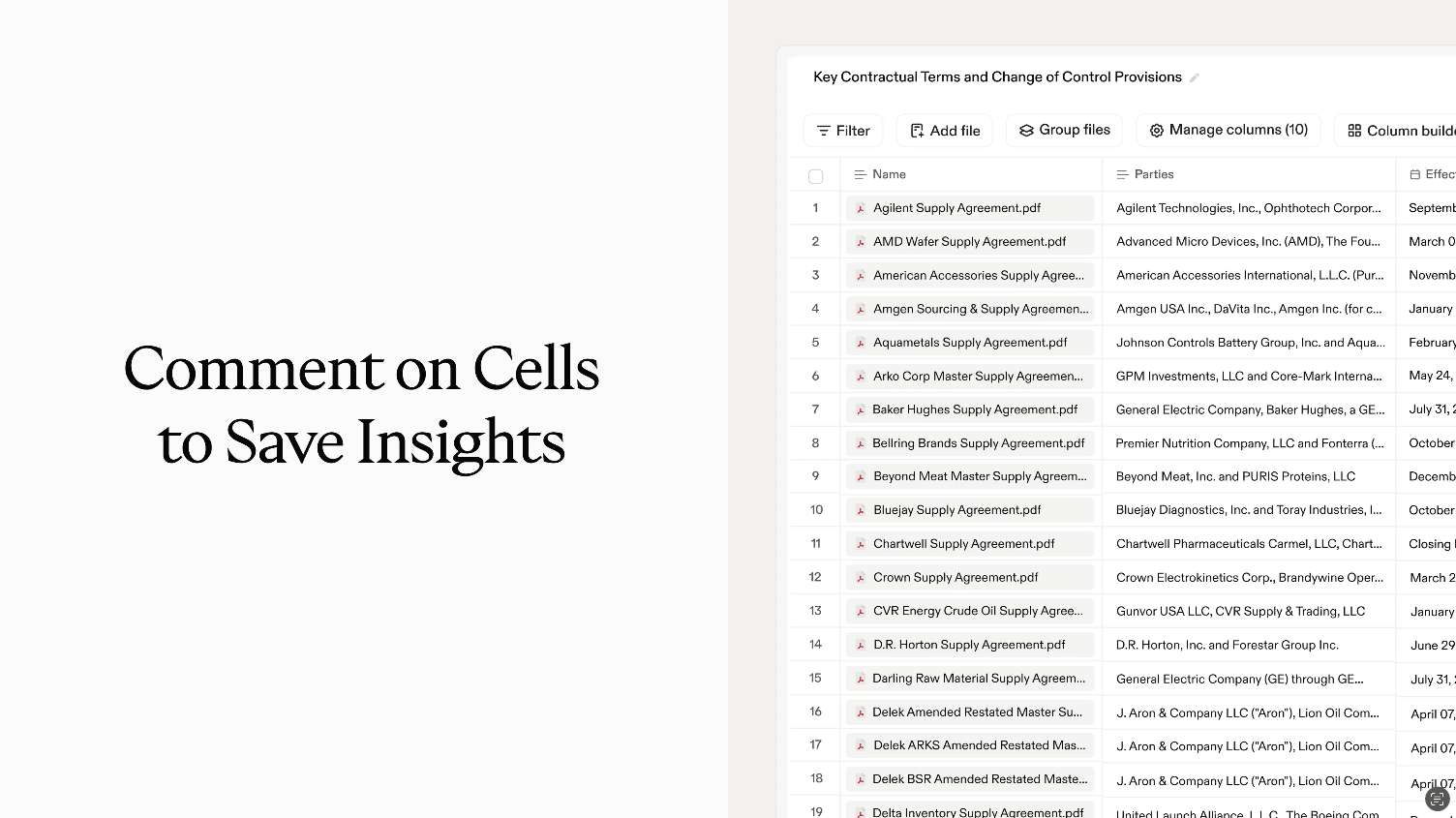
Once the table is fully populated, you loop your team in for real-time collaboration. Use multi-colored flags to triage issues: red for deal-breakers, yellow for negotiation points, and green for standard terms, creating a visual map of risk across the dataset. With comments, you can explain why something was flagged, capture nuance like “assignment requires counterparty consent,” or resolve open questions with your colleagues. You can also use manual input columns to add commentary for each row directly onto the table for you to keep track.
At any time in the review, you can ask questions like “summarize all red-flagged tenant obligations” and get answers grounded not just in the table, but in metadata that capture your deal team’s thinking, including flags, comments, and verification.
Instead of splitting work across spreadsheets and emails, review tables function as a single source of truth for large-scale analysis and collaborative review, driving faster review cycles and higher-confidence outputs.
If you’re interested in learning more about how Harvey can help your team, reach out to us below.


